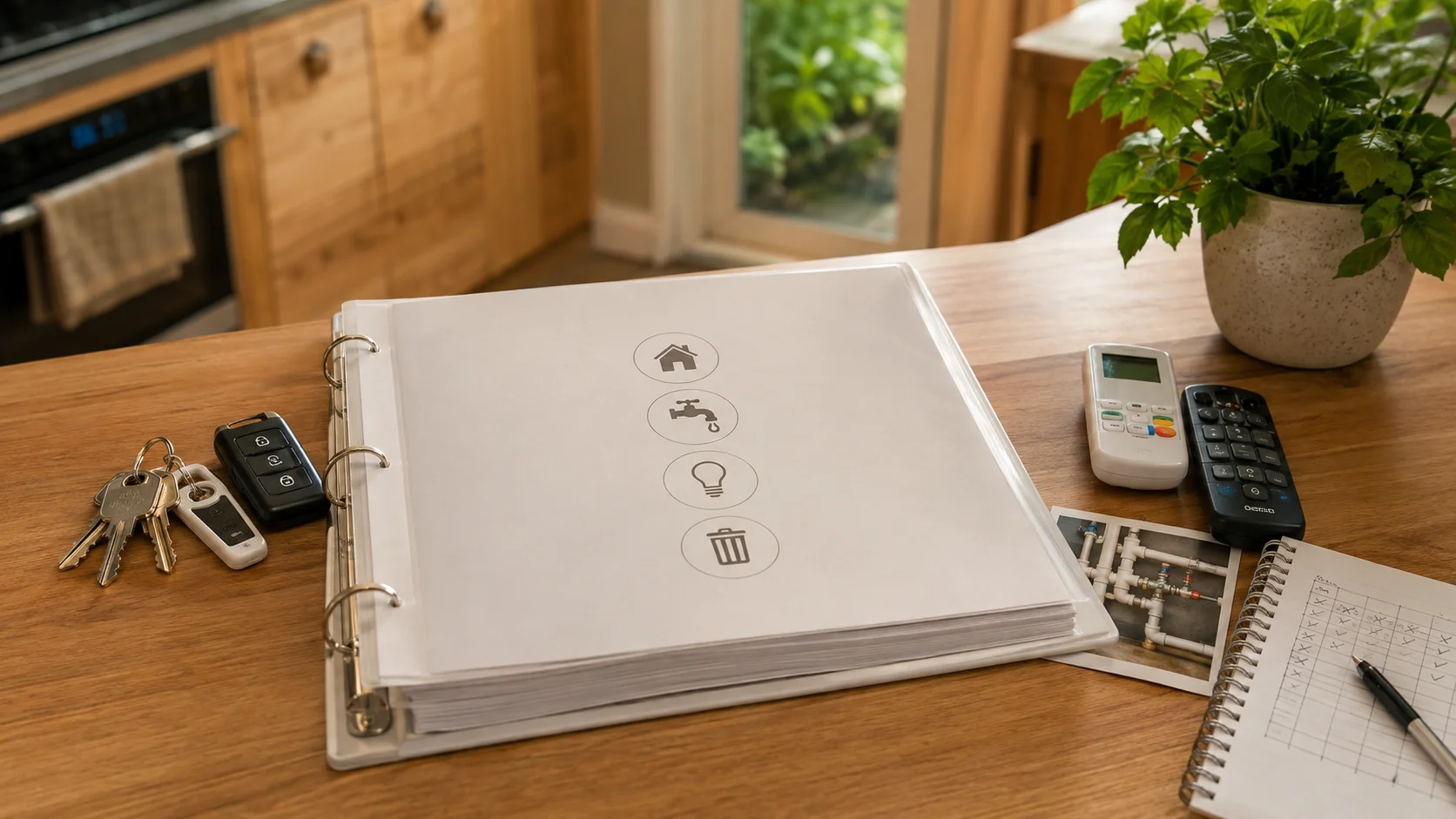
What is a home operations book?
It is a property-specific manual that stays with the home. A printed binder, a tidy digital folder or a combination of both can work. Bring together instructions, diagrams, model details, maintenance records and the practical knowledge that would otherwise leave with you.
Keep its job clear. The book is not a LIM, a property file, proof that work is compliant or a substitute for telling your lawyer and agent about a known issue. Our property documents and disclosure guide explains where that information belongs.
Make the first page useful on day one
Create a one-page quick-start sheet. Show the electricity switchboard, water shut-off, gas shut-off if relevant, hot-water control, broadband connection point, main keys and the simplest way to operate heating, lighting and access before any apps are configured.
The Real Estate Authority's seller settlement checklist tells sellers to prepare exterior-door keys, window-lock keys, garage openers and security-alarm instructions, then take final power or gas readings. Use that handover as your deadline, and check the final book against the sale and purchase agreement rather than relying on memory.
Label physical keys and remotes by location without putting the property address on a loose key tag. Record which utilities the buyer must arrange themselves. The manual can show where services enter the property, but it cannot transfer your personal utility account or promise that a provider will continue a plan.
Recommended sections
- Utilities: meters, switchboard, water, gas, solar, battery and EV charging.
- Water and grounds: hot water, pumps, filters, irrigation, tanks, pool and spa.
- Heating and ventilation: heat pumps, fireplaces, underfloor heating, ventilation and filter schedules.
- Appliances: manuals, model numbers, warranties and unusual operating notes.
- Safety and access: smoke alarms, security, keys, remotes, gates and garage doors.
- Smart home: devices, rooms, hubs, physical controls, reset steps and support links.
- Maintenance: recurring jobs, paint colours, finishes, roofing, drainage and trusted product details.
- Shared services: body corporate, cross-lease arrangements, shared driveways and rubbish schedules where relevant.
Explain the things a buyer cannot guess
For a smart switch, name the room and physical control. Record the make and model, required hub, behaviour without internet, reset method and manufacturer support page. Explain any automation in plain language, such as “hall lights turn on at sunset”, and say how to disable it.
“Use the app” is not enough. The buyer needs to know which app, whether a hub stays and how the light works before setup. For account transfers and connected security equipment, work through the safer sequence in our smart-home handover guide.
Keep credentials and claims out of it
- Do not include current Wi-Fi, email or device-account passwords.
- Keep alarm PINs, lock codes and recovery codes separate until the agreed handover.
- Remove payment details, subscriptions, cloud links, recordings and access history.
- Do not describe work as compliant, consented or professionally approved unless the proper records support that claim.
Reset security credentials, remove personal accounts and let the buyer create their own. If a fitted appliance or connected device is staying, make sure it also appears correctly in the chattels list.
Link to public manufacturer manuals instead of sharing a private cloud drive that contains unrelated household files. Check every link from a signed-out browser. Where the buyer needs a one-time setup code or a physical backup key, agree a separate, secure delivery method with the agent or lawyer rather than printing it in every copy of the manual.
Keep four kinds of record separate
Operating instructions explain how to use the home. Maintenance history records what was serviced and when. Consent and compliance documents support the status of building work. Property disclosure records known matters that may be relevant to the sale. They can refer to one another, but one does not replace another.
Use a simple index that names the document, date and location of the authoritative copy. Do not paste an expired warranty or old contractor note into the manual without its date and context. If a record is missing or a system is not working properly, flag that for your lawyer and agent instead of writing an optimistic instruction for the buyer.
Build it while there is time to check it
Start during sale preparation, while you can still find manuals, photograph labels and test devices. A useful book is especially valuable where a Tauranga property has solar, irrigation, pumps, automation, specialist heating or shared services that are not obvious at a viewing.
After the agreement is signed, check the manual against the chattels list and any negotiated inclusions. Settled's settling and moving-out guidance places the pre-settlement check, settlement day and move-out in one sequence. Remove obsolete pages, put a review date on the cover and give the final version at the handover point agreed with the buyer, agent and lawyer.
Make the home easier to own
Start with the systems buyers cannot understand by looking.
Document the first day, then work room by room. Keep sensitive credentials separate from the manual.
Frequently asked questions
Should the operations book be digital or printed?
Both are useful. A printed quick-start sheet works before broadband is active, while a digital folder is better for manuals, support links and updates.
Can it replace disclosure of a defect?
No. Tell your lawyer and agent about known issues through the proper process. A practical manual does not replace disclosure.
Should I include trade contacts?
You can name businesses that have worked on the property and explain what they did. Do not promise that a warranty, endorsement or future availability exists unless you have confirmed it.
Useful official guidance
Reviewed 21 August 2026. The operations-book structure is practical guidance for sellers. Use the manufacturer's current instructions for each system.
Keep the public guide
Share the article or save a private PDF.
No account is needed to read or share this guide. A private seller account is only needed to create its personalised A4 PDF.
Optional seller account
Take the useful work to another device.
Sign in to access the planning information saved to your account on another device and save personalised guide PDFs. Your saved plan and calculator results are not included in introduction requests.