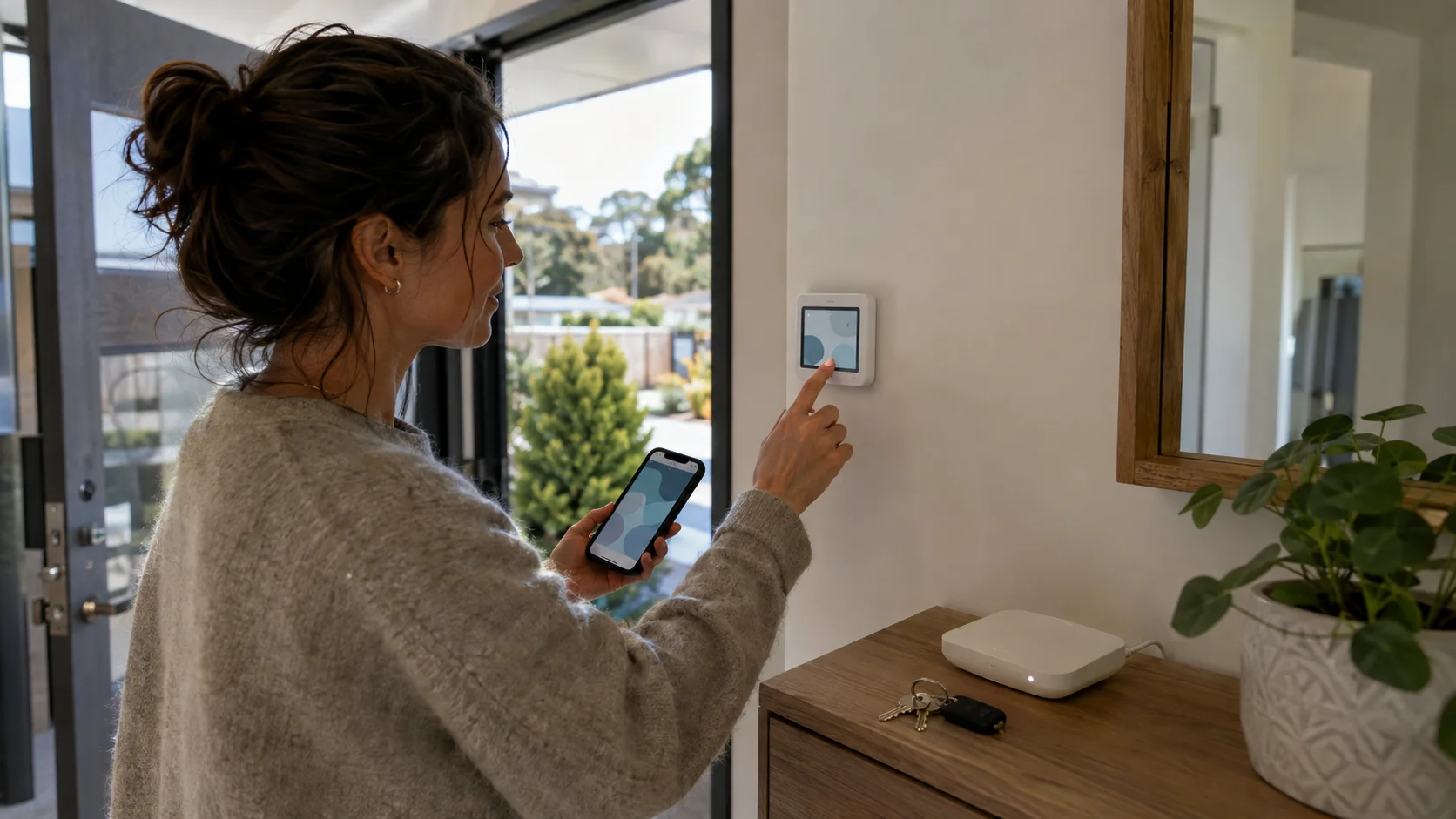
Start with one room-by-room inventory
For every connected device, record its room, make, model, power source, hub or bridge, physical control, subscription and whether it will stay, go or be negotiated. Photograph model labels and setup codes, then keep those records somewhere secure.
Match the inventory to the sale documents. The Settled guide to the sale and purchase agreement explains that chattels included in the sale should be listed and in working order unless the agreement says otherwise. Our chattels guide helps you turn the device list into clear inclusions and exclusions.
Inventory these devices
- Smart lights, switches, plugs and curtain controls.
- Thermostats, heat-pump controllers, ventilation and irrigation.
- Cameras, video doorbells, alarms, locks and garage doors.
- Hubs, bridges, speakers, displays and Thread border routers.
- Solar, battery, EV charging and energy monitoring.
- Appliances, robot vacuums, mowers and pool or spa controls.
- Scenes, automations, geofencing and voice-assistant routines.
- Subscriptions, cloud recording and monitored-alarm services.
Decide what stays before the marketing goes live
Integrated controls often make more sense left with the property, while portable speakers and displays may move with you. Whichever way you decide, list the hardware that stays, anything excluded, subscriptions that are not included and the reset or account-removal steps planned for handover. The sale and purchase agreement records the chattels included, and Settled says included chattels should be in working order unless the agreement says otherwise.
Tell the agent about those decisions before photographs and viewings. The Real Estate Authority's advertising guidance says property claims need a reasonable basis and marketing must be accurate, genuine and substantiated. A demonstration should not imply that a portable screen, paid service or seller-owned account comes with the home when it does not.
Separate the device from your personal account
The fitted hardware may stay, but your account should not. Make a transfer plan for each device using the current instructions for its exact model. Depending on the system, that may mean removing household members, cancelling a subscription, deregistering the device, factory-resetting it or giving the buyer a setup code after settlement.
Do not give the buyer your Apple, Google, Amazon, Samsung, email or Wi-Fi credentials. These accounts can connect to recordings, contacts, payment details, routines and devices at another address. Where a device cannot be transferred cleanly, disclose the limitation and agree whether it will be removed or left reset for the buyer.
Protect recordings, access and household data
Connected cameras, locks, alarms and voice assistants can hold information about people in and around the home. The Office of the Privacy Commissioner says organisations need reasonable safeguards against loss, unauthorised access and disclosure under Privacy Principle 5, and should not keep personal information longer than required under Privacy Principle 9. Those principles are written for agencies; they also provide a useful security baseline for a household handover.
- Save records you are lawfully entitled and still need to keep, then delete history and recordings that no longer have a purpose.
- Remove household members, guests, voice profiles and location-based routines.
- Change door, garage, alarm and access codes at the agreed handover point.
- Remove each device from your accounts and check that remote access has ended.
- Reset the hardware where the manufacturer's current instructions require it.
- Have the buyer create their own accounts and test the agreed devices.
- Keep passwords, payment details and recovery codes out of the home manual.
Choose the reset and transfer moment
Do not wipe a fitted controller so early that heating, access, security or irrigation stops working during the sale. Do not leave the reset until after you have handed over keys and lost physical access. Put each device into one of three groups: reset before the final inspection, transfer or reset at the agreed handover, or remove because it is excluded.
Confirm the sequence with the buyer through the agent and lawyers where it forms part of the agreement. Take a final screenshot or note showing that your account and remote access were removed, without retaining the buyer's new credentials. For alarms, cameras, locks and garage controls, record who changes codes and when.
Keep essential functions usable
Show the buyer how to operate essential lighting, heating, access and water controls without relying on your phone. Record what happens if broadband is unavailable, which hub must stay powered and how each important device behaves after a reset.
Put those instructions into a home operations book, along with model numbers and support pages. Give sensitive setup codes separately at the agreed handover point. The buyer should be able to get through their first evening in the home before every app and automation has been rebuilt.
Prepare a clean handover
Connect the device list to the chattels schedule and home manual.
Agree what stays, test it, remove personal access and give the buyer clear setup instructions.
Frequently asked questions
Can I just give the buyer my smart-home password?
No. Personal platform credentials may expose email, payment, recordings and other homes or devices. The buyer should use their own accounts.
Should cameras stay?
Only if they are clearly included and can be reset for the buyer. Remove recordings you no longer need and confirm that your remote access has ended at handover.
When should I factory-reset fitted devices?
Use the current instructions for each exact model and agree a time that preserves essential home functions until handover while ending your access before the buyer takes control.
Useful official guidance
Reviewed 21 August 2026. Device interfaces and transfer steps change, so follow the current instructions for the exact model after agreeing in writing what stays.
Keep the public guide
Share the article or save a private PDF.
No account is needed to read or share this guide. A private seller account is only needed to create its personalised A4 PDF.
Optional seller account
Take the useful work to another device.
Sign in to access the planning information saved to your account on another device and save personalised guide PDFs. Your saved plan and calculator results are not included in introduction requests.